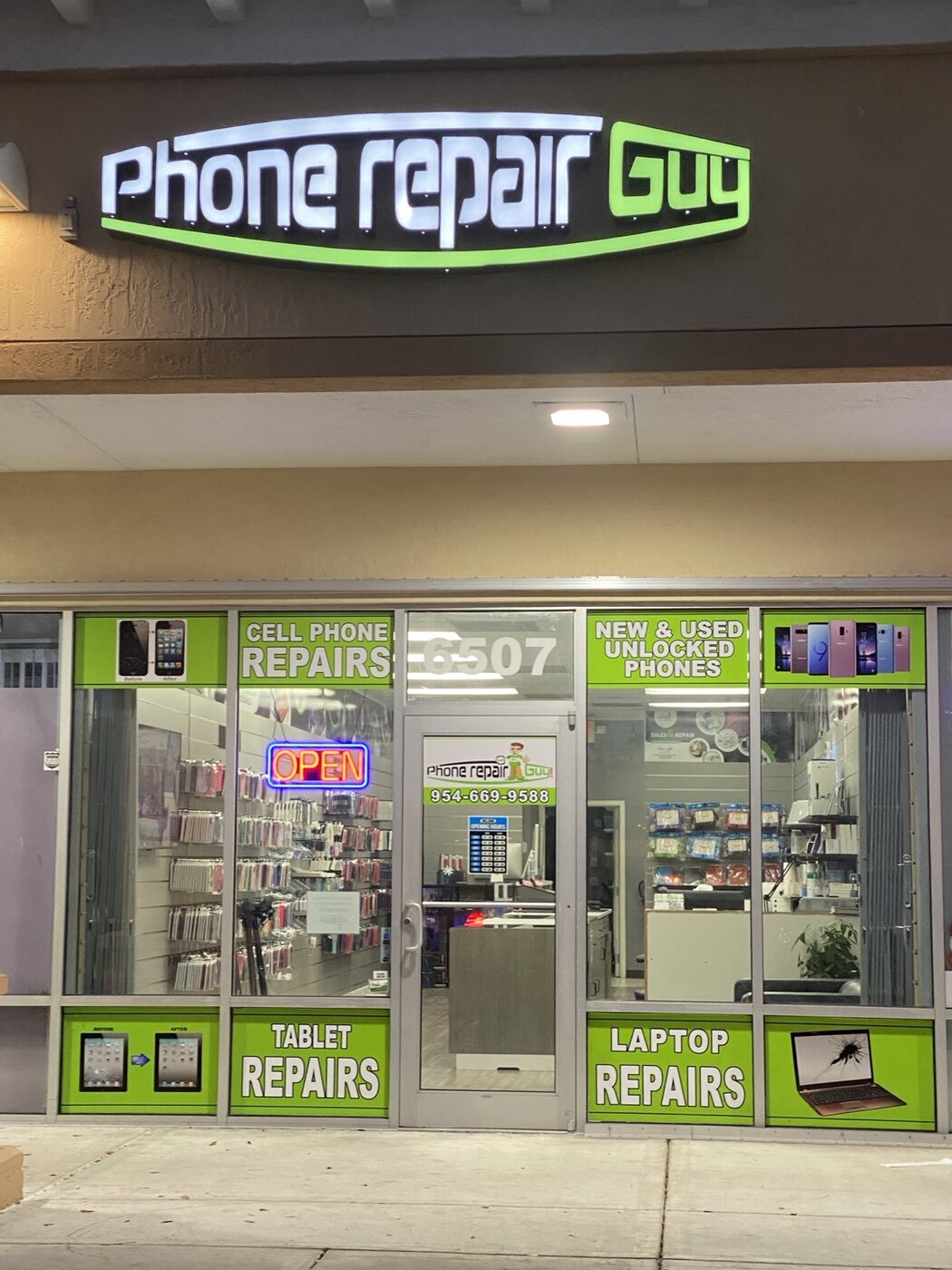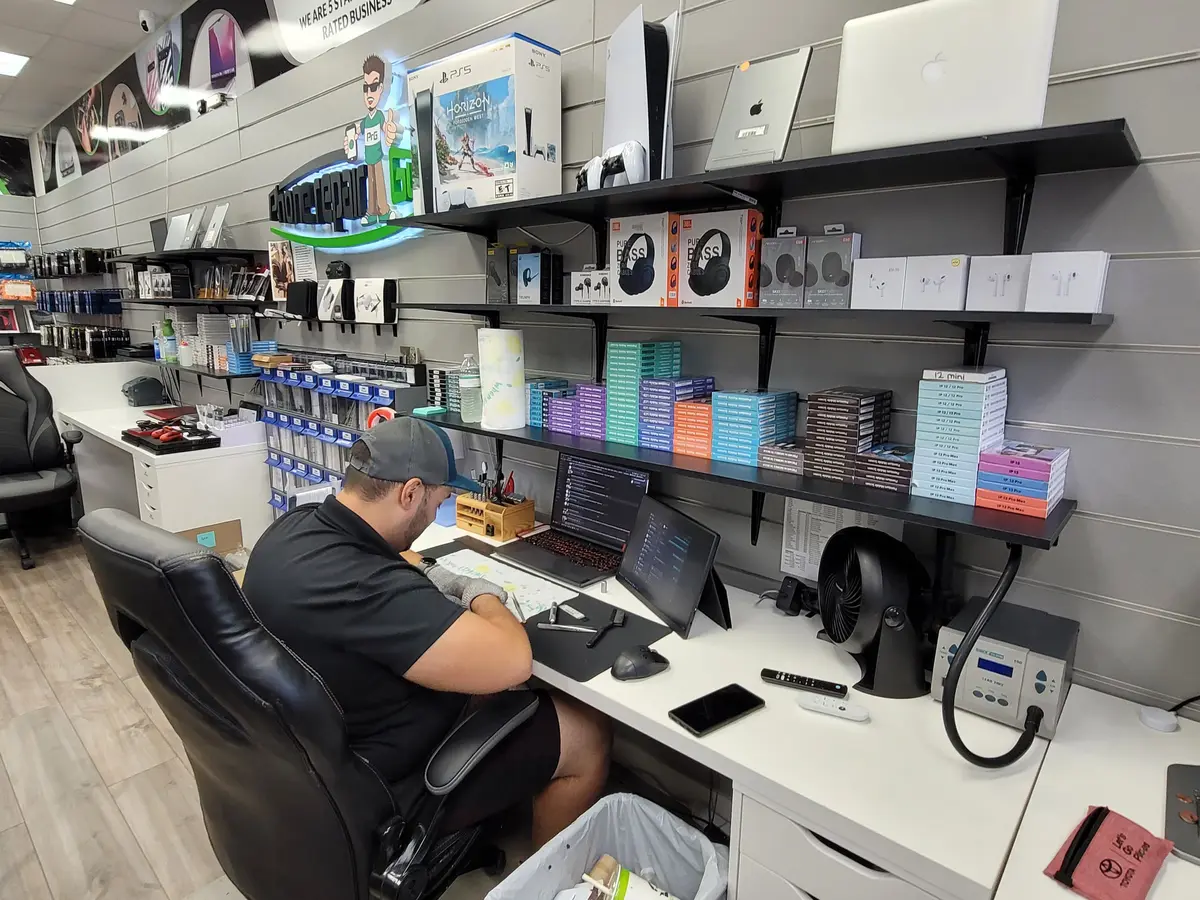
A cracked display, an unreliable charging connection and a phone that shuts down unexpectedly need different evaluations. Before visiting Apple iPhone Fix at 6507 Nova Drive in Davie, gather what you know about the device and decide what matters most: normal use, access to your photos, or finding out whether repair makes sense.
1. Identify the iPhone and describe the symptom
Bring the exact model if you know it. An iPhone 15 and an iPhone 15 Pro, for example, are different devices; the model name helps the team discuss suitable parts and options. If you cannot check the model, say that when you contact us. You do not need to guess.
Describe what happens in everyday terms: “the screen lights up but does not respond,” “it charges only when the cable is held at an angle,” or “it turns off while the battery indicator still shows charge.” Include when it started and any drop, liquid exposure or previous repair. These details are more useful than choosing a replacement part before the phone has been evaluated.
2. Put data and privacy on the checklist
If the phone works and is safe to use, make a backup before service. Keep your Apple Account password, device passcode and security codes private; do not include them in a quote request or chat. Apple also covers these precautions in its service preparation guidance.
If the phone cannot be backed up and the photos or files are the priority, tell us before work begins. Ask for a data-recovery evaluation rather than assuming a routine repair will preserve everything. Do not erase or reset a device just to prepare for that conversation. Repair and data recovery are not guaranteed outcomes.
3. Bring relevant accessories and repair history
For a charging problem, identify the cable and adapter you normally use, and bring them if they are safe and undamaged. Explain whether the symptom changes with another compatible charger. For a screen problem, note whether you still hear calls, alarms or notifications. Tell the team about previous repair attempts so the evaluation starts with the full history.
If the enclosure or display is separating, or the battery appears swollen, stop using and charging the device and contact the shop for handling guidance before bringing or shipping it. Our iPhone battery guide explains warning signs and why charging symptoms can have more than one cause.
4. Ask about the actual repair option
Ask what the evaluation indicates, what work is proposed, which parts are available for your model, the estimated price, and the expected timing. Ask about any applicable warranty and what it covers before agreeing to work. A quote for one model or symptom should not be treated as a promise for every iPhone.
Some problems call for component service; others may need board-level evaluation. Our iPhone repair page outlines the range of issues we evaluate. Apple iPhone Fix is an independent repair business and is not affiliated with or authorized by Apple.
5. Choose the right store before you travel
The Apple iPhone Fix Google profile is for our Davie location at 6507 Nova Drive, Davie, FL 33317. The shop is open daily, 10 AM–8 PM. Use the Davie shop page for local repair information or open Apple iPhone Fix in Davie on Google Maps for directions and reviews.
If Tamarac is more convenient, choose that team on the locations page or in the quote form. For an eligible repair from outside the area, start with mail-in intake and wait for shipping instructions. Do not ship an unsafe battery device.
Tell us the model and what happened.
Send a repair request before your visit so the team has your symptoms and preferred location.